Portraits with character
Wood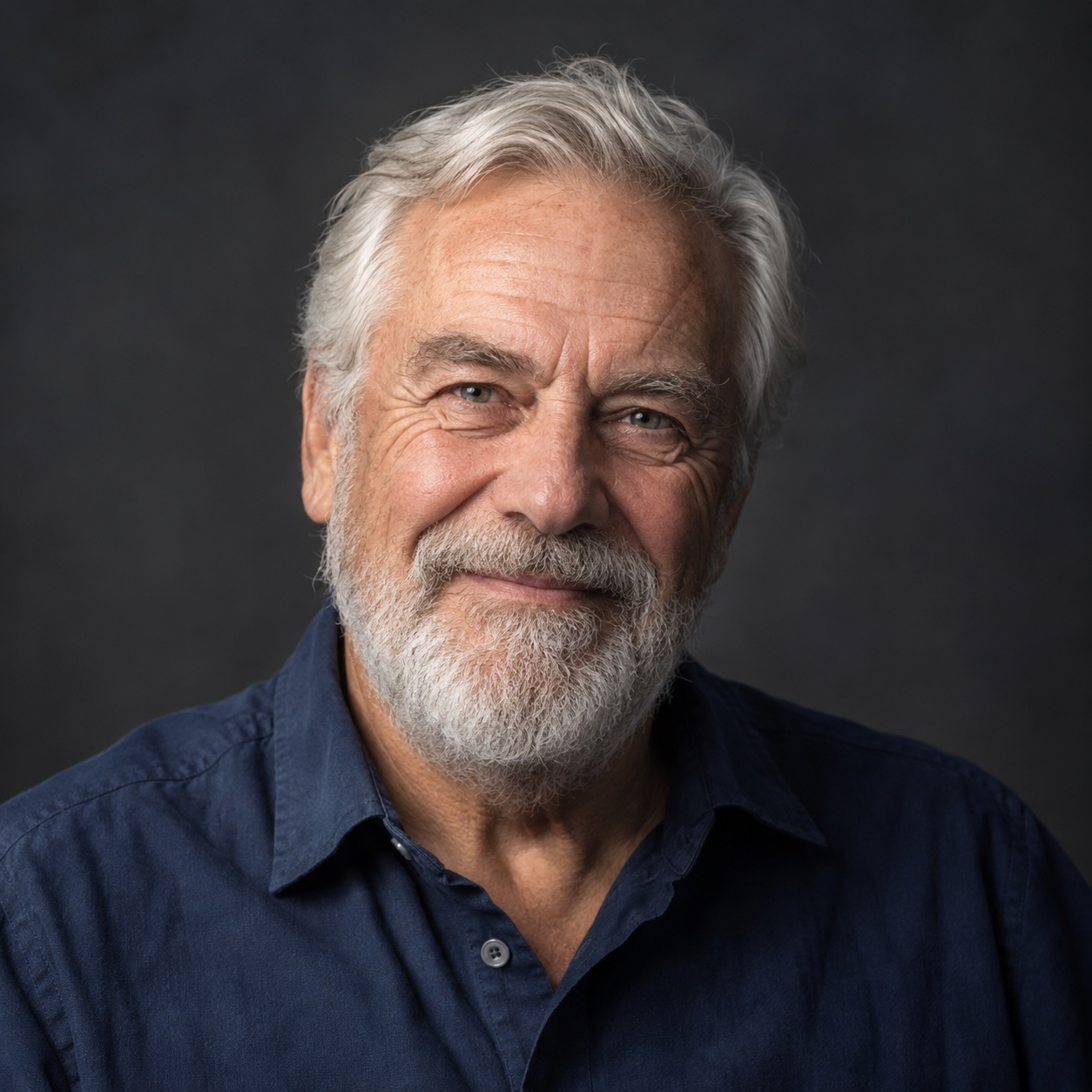
A PHOTO PREP STUDIO FOR LASER MAKERS
Turn the photos that matter into carefully prepared engraving files. Beautiful detail. The right size. One photo or a whole batch.
Free beta. No account. Photos stay on your device.
Portraits, pet keepsakes & meaningful gifts.
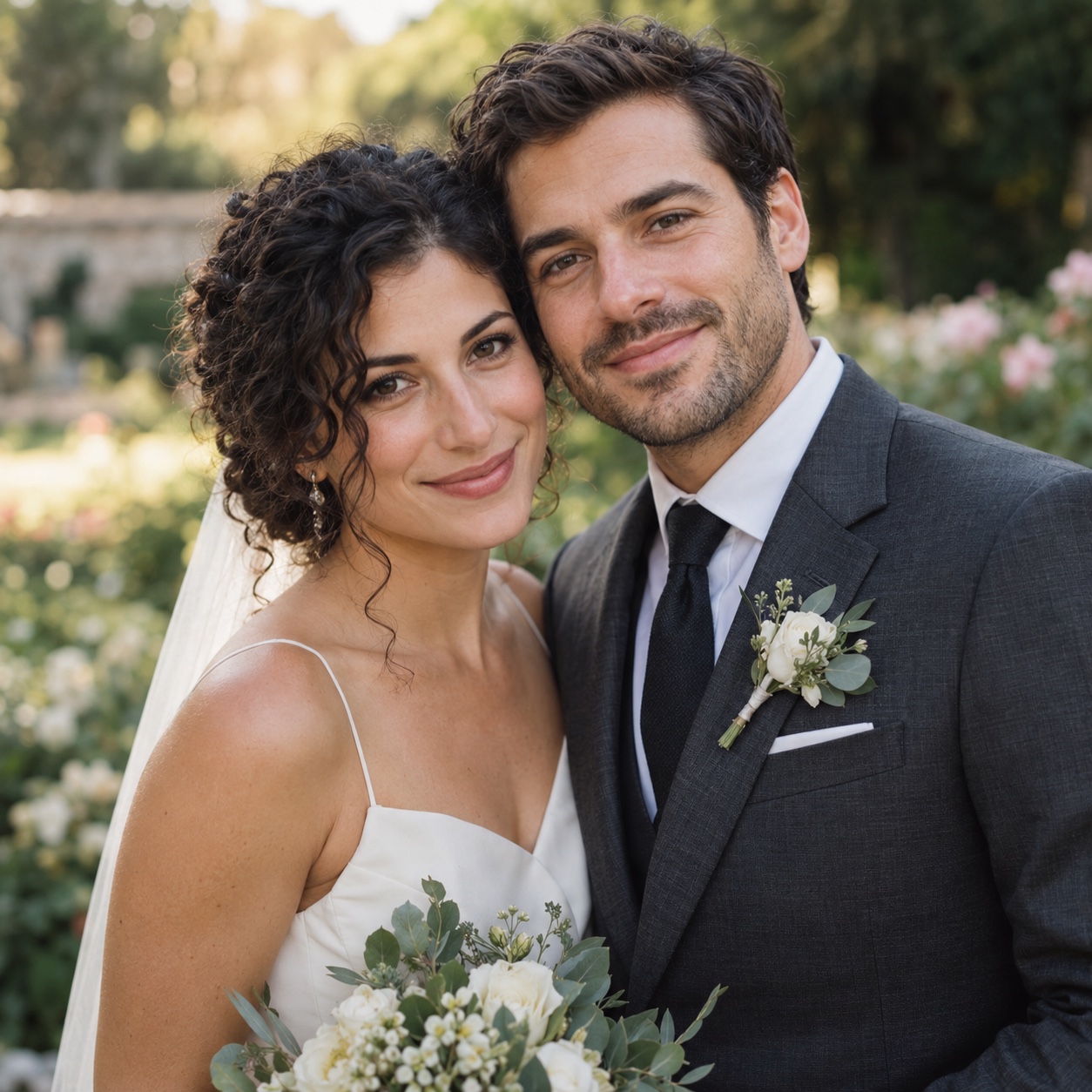
Original synthetic photos · prepared with the same tools you use below.
DETAIL YOU CAN SEE
Compare the original, real prepared pixels, and a digital material preview. Then try each photo in the editor.
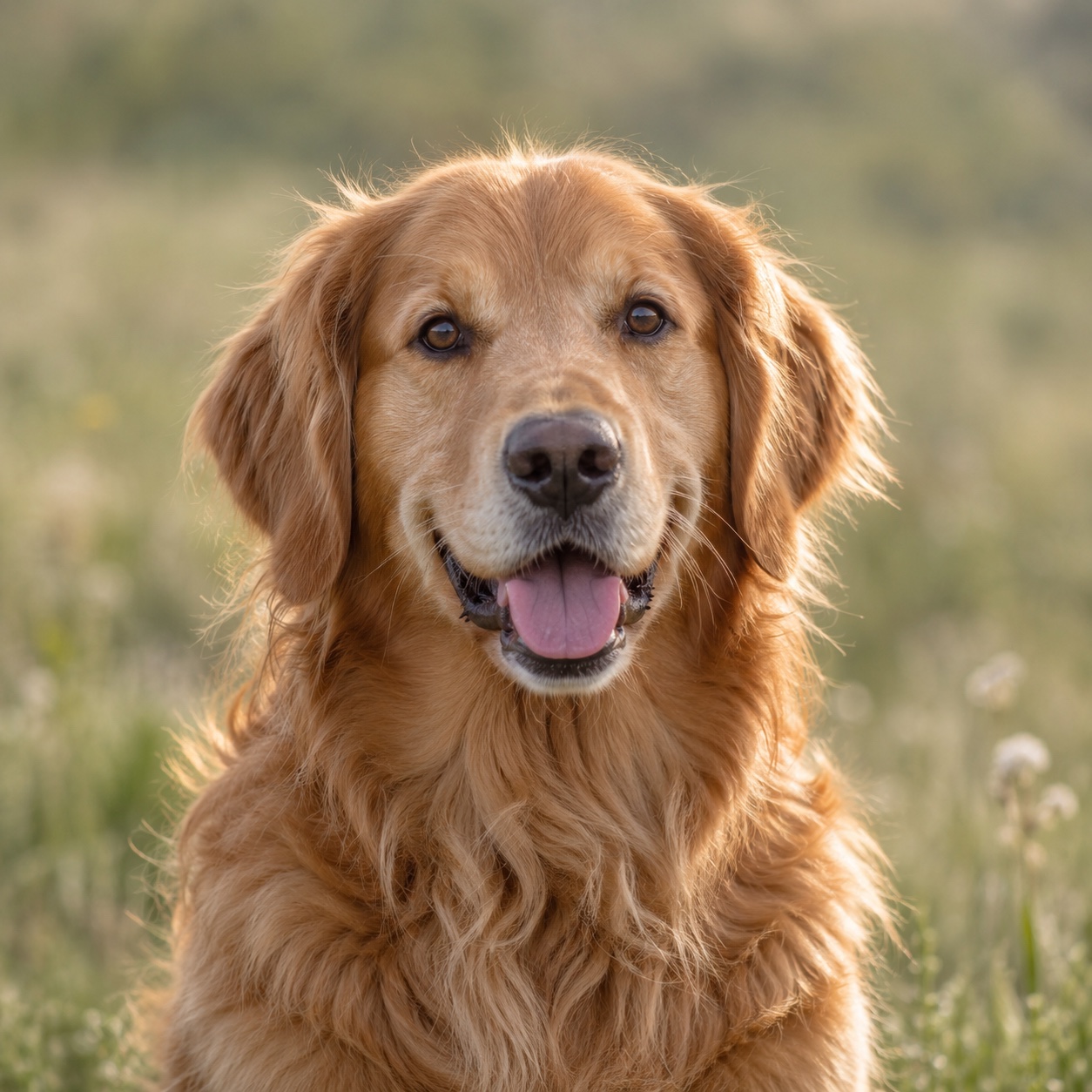
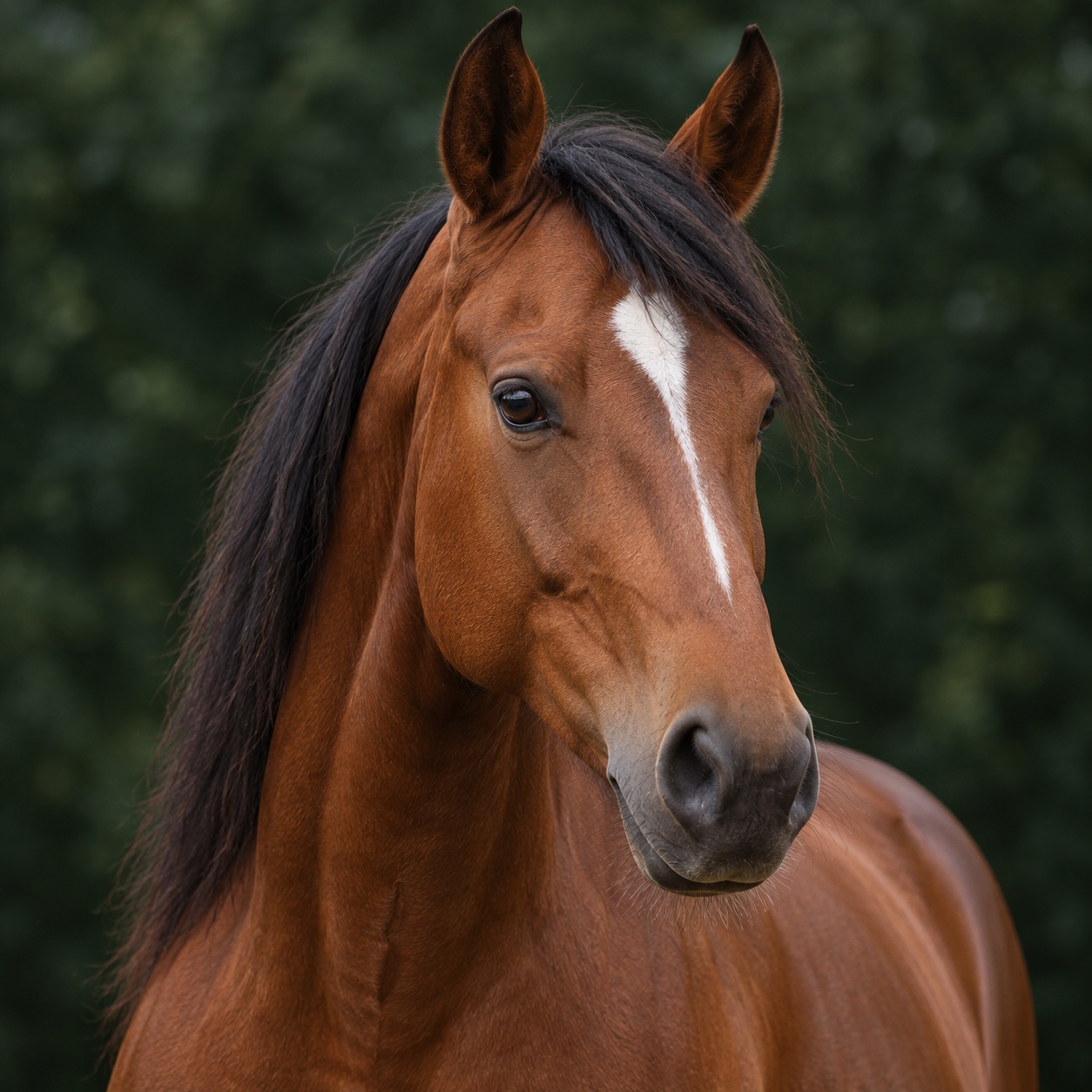
These are original synthetic examples, not customer photos. Material previews are digital simulations, not photographed engravings.
YOUR WORKFLOW, YOUR WAY
Start with a material preset. Refine the details when you need to. Carry the same settings across a batch.
THE WORKBENCH
No photos added
Add a photo above, or see how
the editor works with our sample.
Your prepared photo will appear here.
Local processingAdd photos to get started.
Exports include DPI metadata. Always test a small area on your material first.
SIMPLE, HONEST PRICING
Try the complete workflow before deciding whether it belongs in your shop.
No payments are being collected. Your files remain free to export during beta.
$0 during beta
Everything you need to try the current workflow.
$4.90 / month
A possible paid plan for this workflow after beta. We’re checking whether that price works for your shop.
Would you pay this for your regular photo orders?
Your answer is feedback, not a purchase.
BEFORE YOU MAKE
Good preparation helps. Your material and laser settings still matter.
The export is sized from your chosen width in millimetres and resolution in DPI, with DPI metadata written into the PNG. Some laser software may ignore that metadata, so check the imported width before engraving.
Light marks on dark slate often need an inverted image. Wood typically uses dark marks on a lighter surface. Check how your laser software maps black and white, and use a small test burn to confirm.
Photo preparation runs in your browser. We do not upload your input images to an image service. Presets save your settings locally, without the photos. See the privacy page for details about optional usage measurement.
No. The material view is a simulation. Actual results depend on your material, machine, focus, power and speed. This beta has not been physically burn-tested across machines. Always check a small area first.
You can download a prepared PNG for one photo or a ZIP of the prepared batch, along with the preparation settings. We do not produce machine-control files or recommend laser power and speed.
Not yet. $4.90 per month is a proposed price for the current workflow. We are collecting feedback, and no payment or subscription is started when you answer. All current exports remain free during beta.